Professional metadata editor for everyone
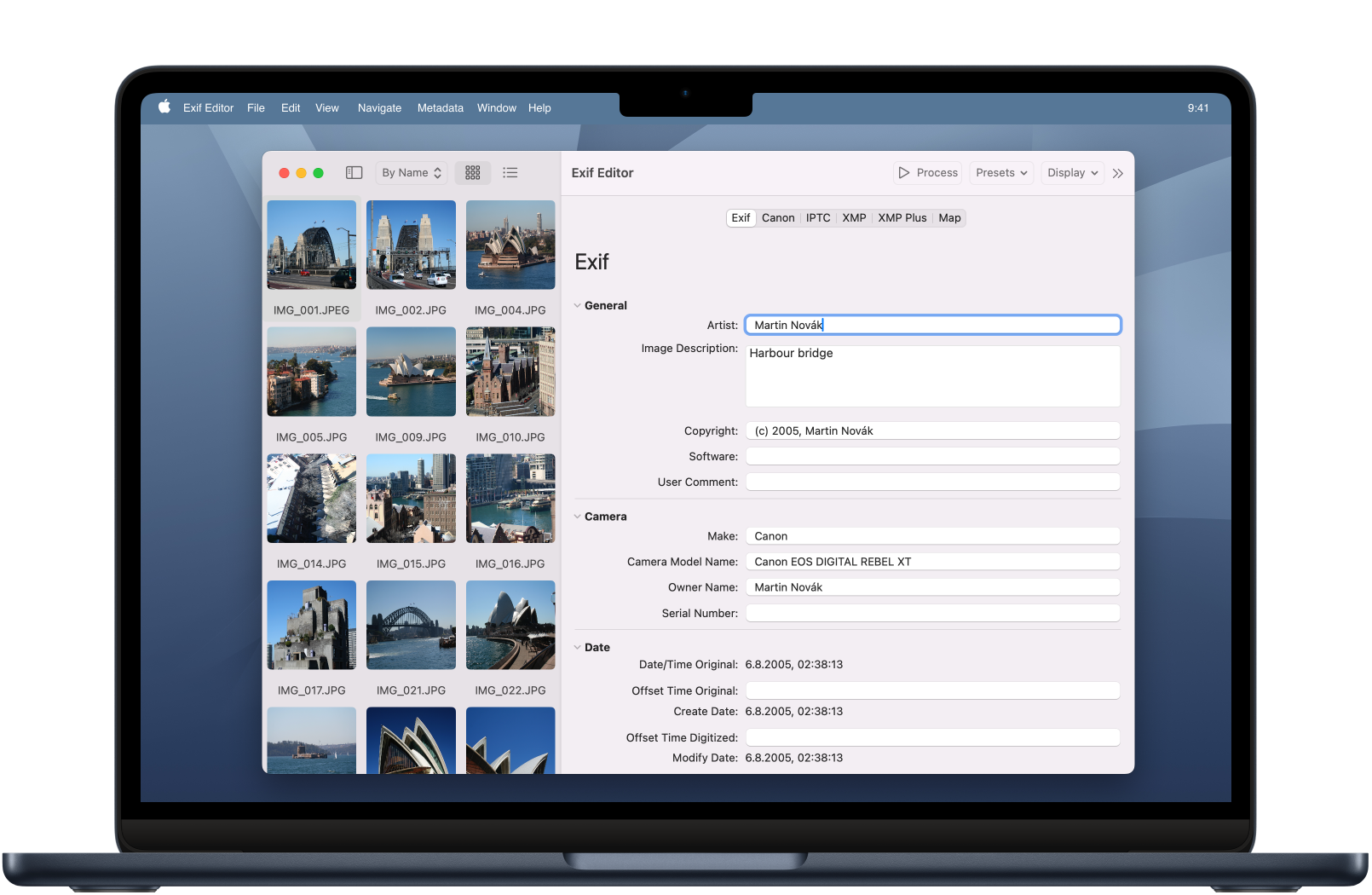
Easiest way to edit tags in your photos
Exif Editor is a professional tool for editing metadata that was designed with ease of use in mind. With a wide range of supported file formats and a wide range of editable metadata fields, it is the only metadata editor you will ever need.
Easy workflow
Open Files
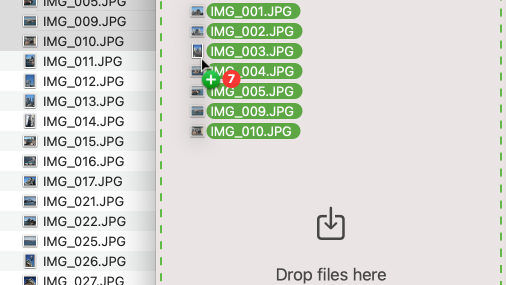
Open Files
The first step is always opening images. Exif Editor supports many formats, including JPEG, most popular RAW formats and some video formats.
Make Changes
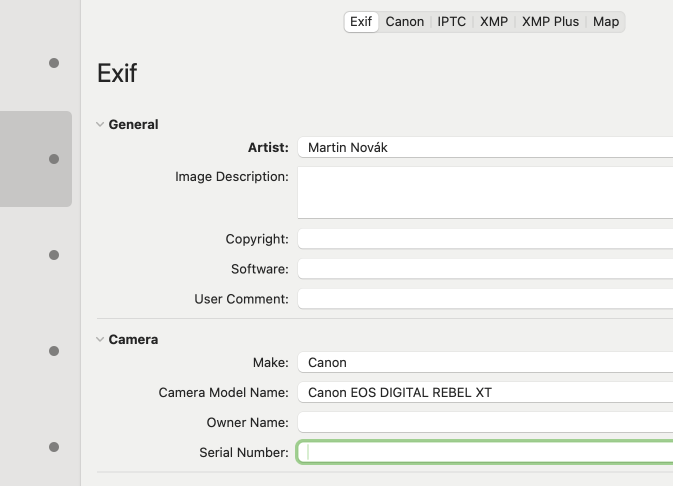
Make Changes
Let's make some changes to the selected files. Use editors on the rights side. Don't be afraid to change multiple files at once. The editors know how to handle cleverly various inputs.
Write the files
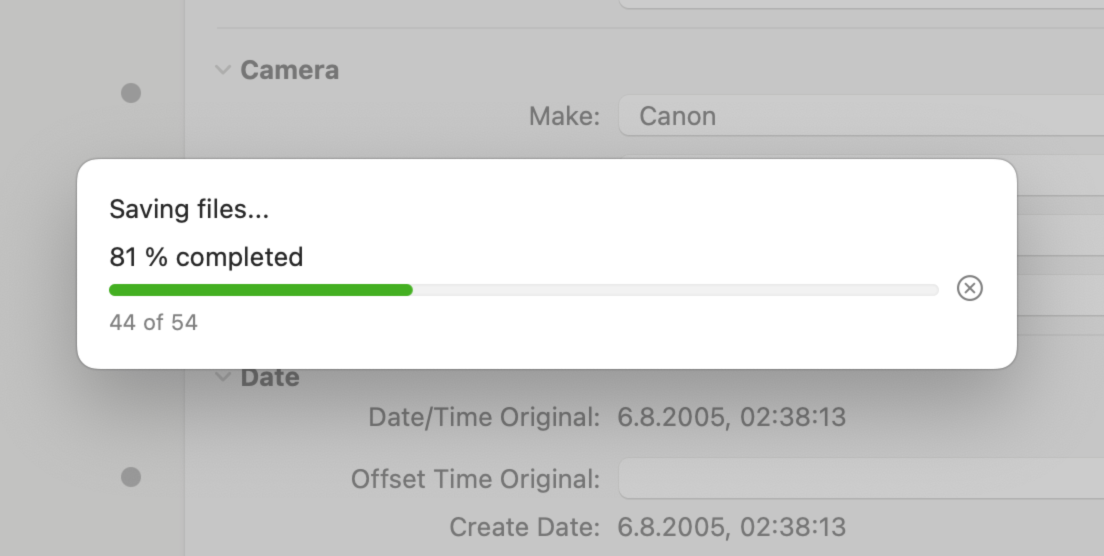
Write the files
Finally you want to write changes to your images. Just press Process button or press Cmd+S. All changes will be saved at once.
Advanced workflow
Exif Editor provides complex work processes. Consider having to modify numerous files simultaneously. It's no issue in Exif Editor, thanks to multi-value editors at your disposal.
Powerful editors
Date editor
Date editor allows you to edit multiple dates at once.
Change just year
Did you set wrong year on the camera? Select multiple photos and change just year on all of them
Want to shift time?
If you set wrong hour (or date) on your camera, you may shift date or hour by a specific offset. Do it on multiple files at once!
Remove metadata
Sometimes you want to ensure that metadata are not present in your files. You don't want to share location of your photos with the world. Or you just don't want people to know what camera did you use. It's easy to perform this with Exif Editor.
Map
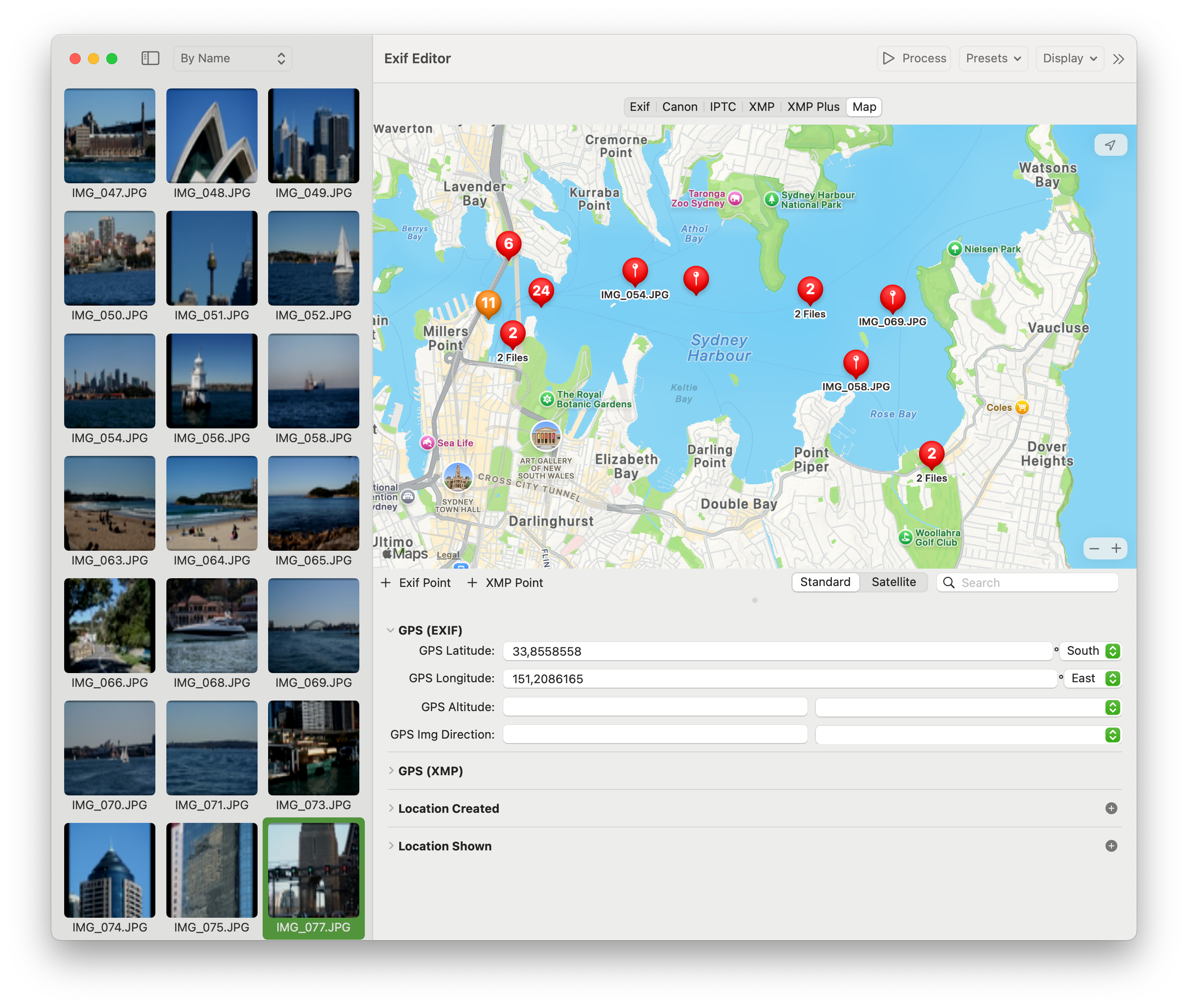
Find your place
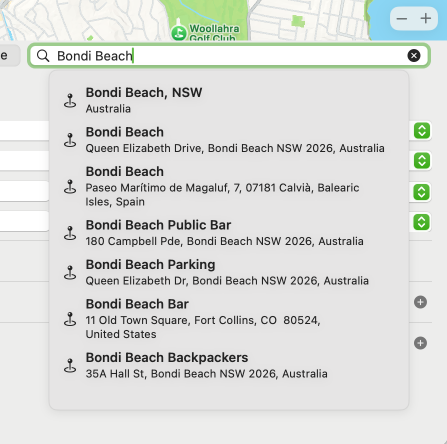
Find your place
Use search to find the desired location. Fill the GPS coordinates, and the complete address automatically.
Specialized editors
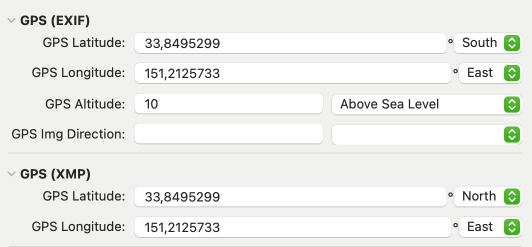
Specialized editors
In addition to the map, you're able to observe the precise GPS coordinates. This gives you an opportunity to duplicate and insert these coordinates into the maps on your web browser.
Speed up your work with presets
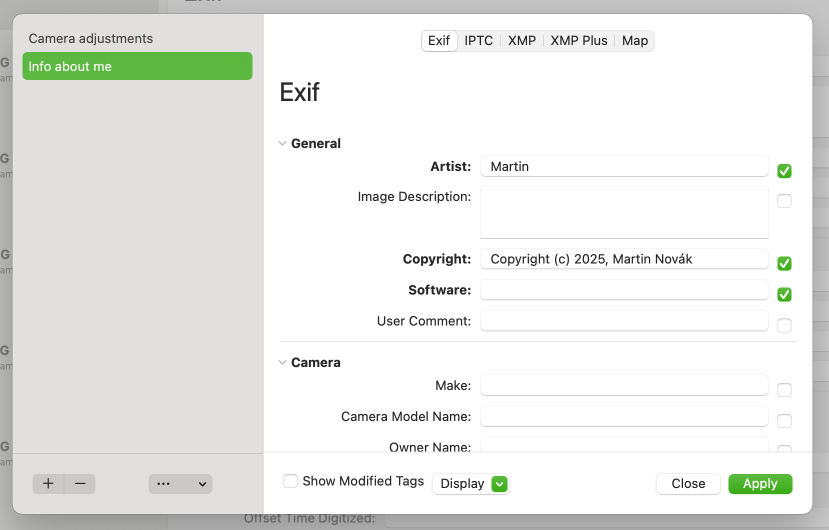
Presets are saved predefined values that can be applied to the selected files. Saving tag values into presets and applying them later can greatly speed up your workflow specially if you want to insert some values repeatedly.
Save commonly used data to use later
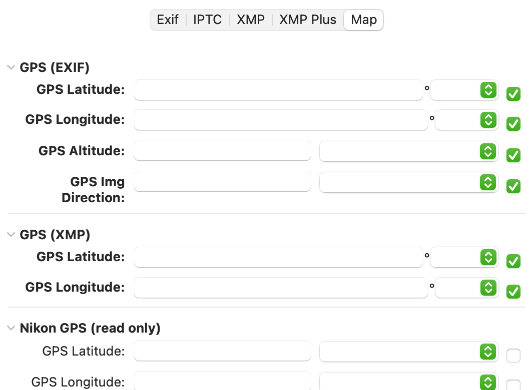
Save commonly used data to use later
Simply fill your name and copyright to apply later. Want to remove GPS information? Just set the latitude and longitude to empty values and they will be cleared.
Apply your presets in a single click
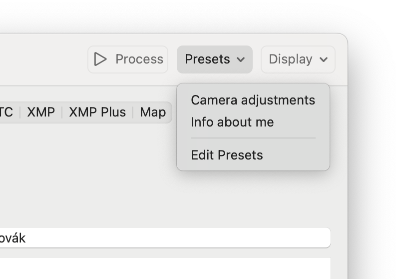
Apply your presets in a single click
Display presets in toolbar and choose which one to apply on selected files.
Optimized for your Mac
Audio Tags Editor uses the latest technologies and is optimized for your Mac.

Apple Silicon
Audio Tags Editor is an universal application optimized for both Intel and Apple Silicon Macs.

Swift
Audio Tags Editor is written in Swift and uses SwiftUI. It has responsive and snappy user interface that is pleasure to use.